Loop
Timeline
May 2025 - Jun 2025
Role
Product Designer
Tools
Figma
Deliverables
Landing Page, B2B Onboarding Flow
Outcome
A landing page and B2B flow built from a blank slate
0 to 3
brand, landing page and B2B flow, in 4 weeks
2 to 1
hero buttons on the landing page
5 steps
handed off as a flow outline Loop could build from
Liked
Loop’s feedback on the branding and the onboarding flow
Loop is a Brighton e-bike startup. When we started, they had no brand, no website, and no way for an organization to start renting. Between May and June 2025, our three-person design team built all three. I owned the landing page and the B2B onboarding flow, and I gave input on the color scheme and fonts.
Context
A brand built on partnership, not transactions
Loop partners with cities and organizations to make cycling more accessible. At first, they were only looking to rent bikes to companies. They had no brand to carry that mission, so our team built one around a relationship-first approach: clear communication, flexible design, and a tone that speaks with people, not at them. We were three designers: our project lead, our brand lead, and me. I focused on the landing page and the onboarding flow.
Problem
No brand, no site, no way to convert organizations
#1 NO BRAND
Loop had no brand assets or digital presence to build from.
#2 NO B2B FLOW
No clear path from learning about Loop to picking a plan and booking a call
#3 LITTLE DIRECTION
Loop gave us a list of competitors and its research but little feedback after.
Solution
Solutions at a glance

Buttons that say what Loop does
The header button now reads “Try A Loop”. One “Get started” button replaced two buttons, “Organizations” and “Employers”, so visitors didn’t have to choose before they understood the product.
Five steps to a booked call
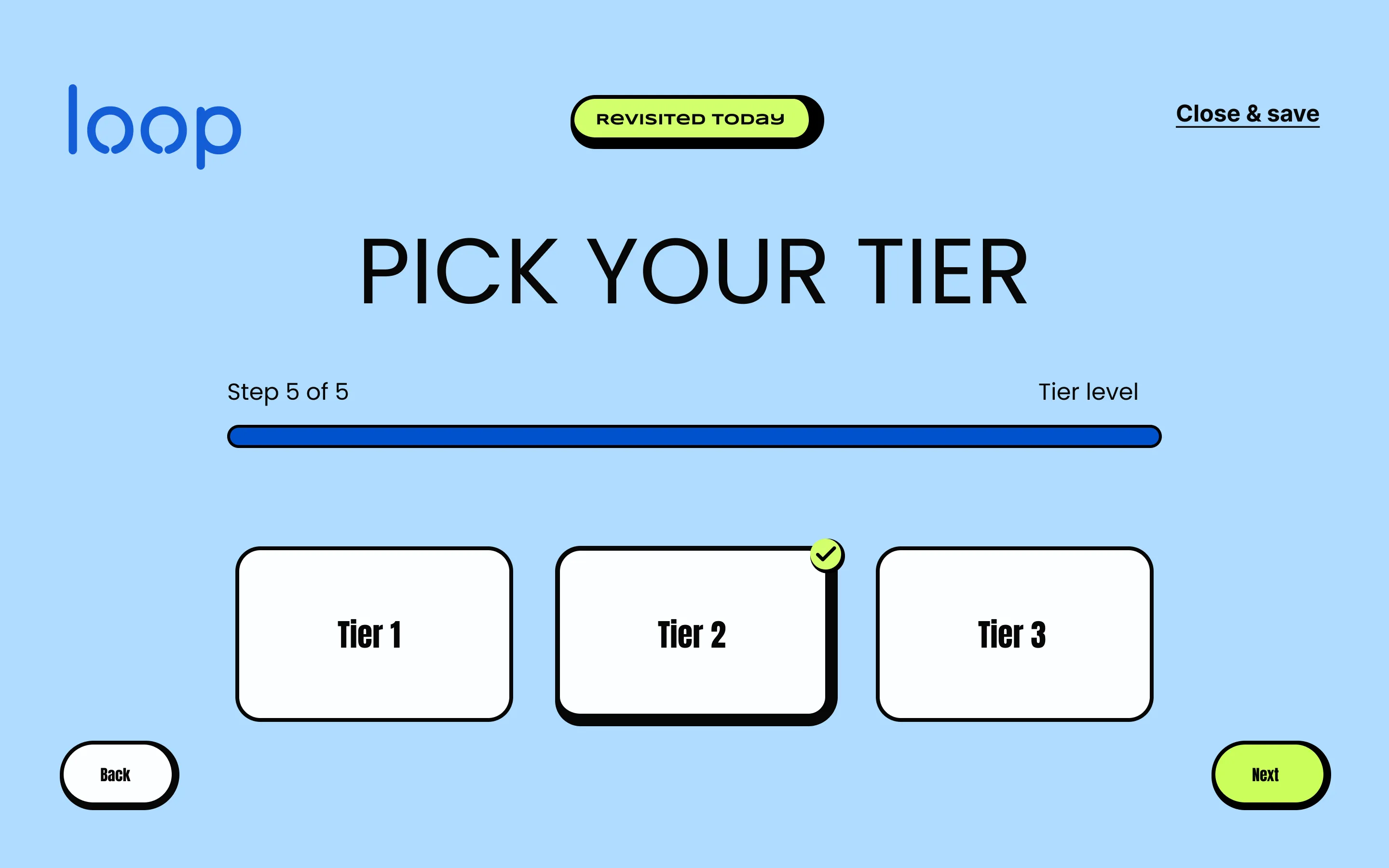
After a short company info screen, five numbered steps: company size, budget, subscription length, bike type, and tier level. A final screen confirms the choices and books the call. By the time someone books, Loop already knows what they want.
5
steps to book a call
A brand built on partnership
Our brand lead had the final say. I gave input on the color scheme and font selection. The wordmark is built on Tilt Neon, with Anton for headlines and Poppins for text.
3
wordmark versions
Design Decision
The brand system
Our brand lead had the final say on the brand system. I gave input on the color scheme and font selection. Loop’s brand story asks for design that feels inclusive and human, with no jargon and none of the exclusivity of premium products. Its voice is friendly, clear, empowering and inclusive. The rounded Tilt Neon wordmark and the soft Powder palette read that way: approachable, not niche.
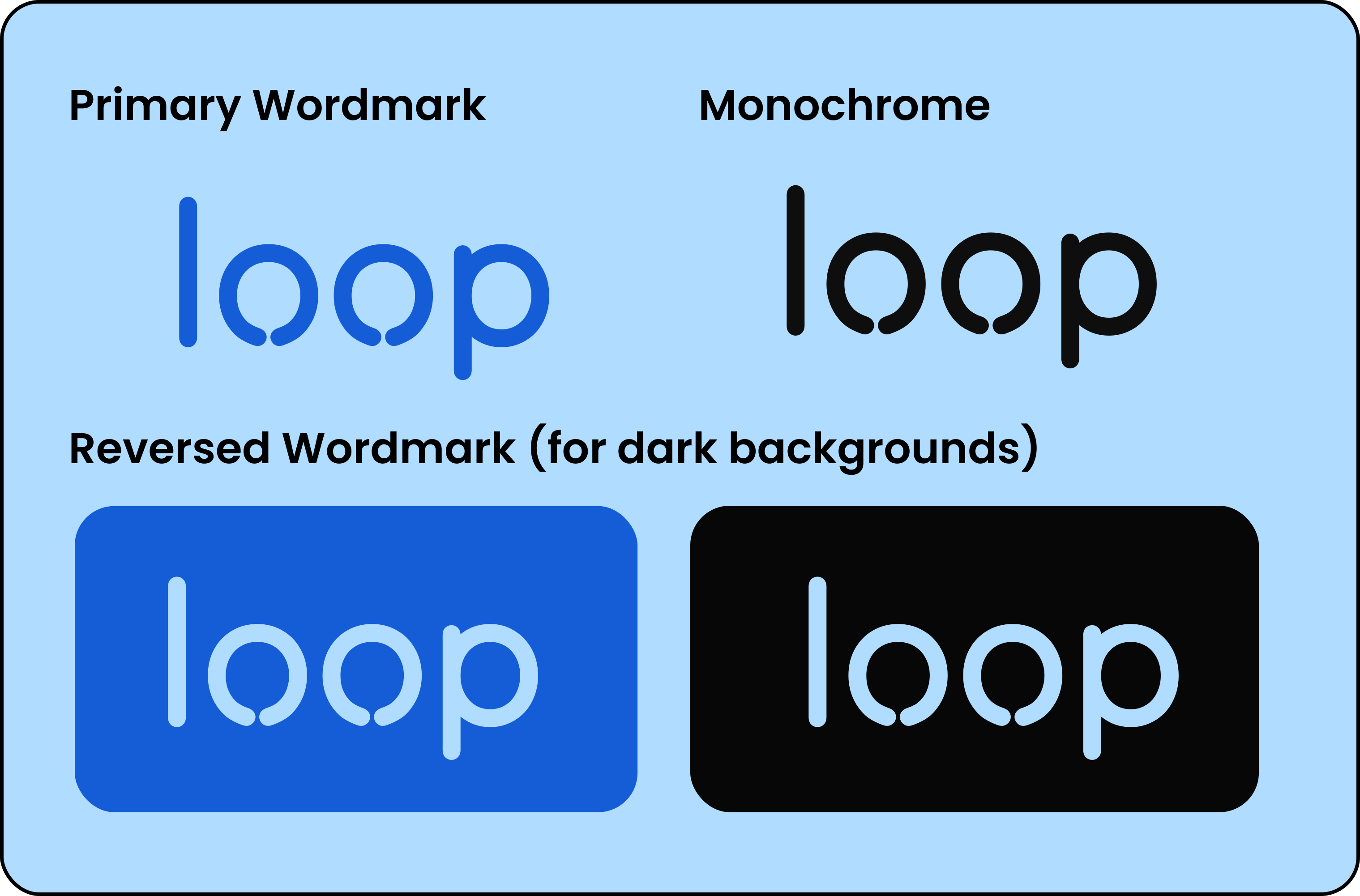
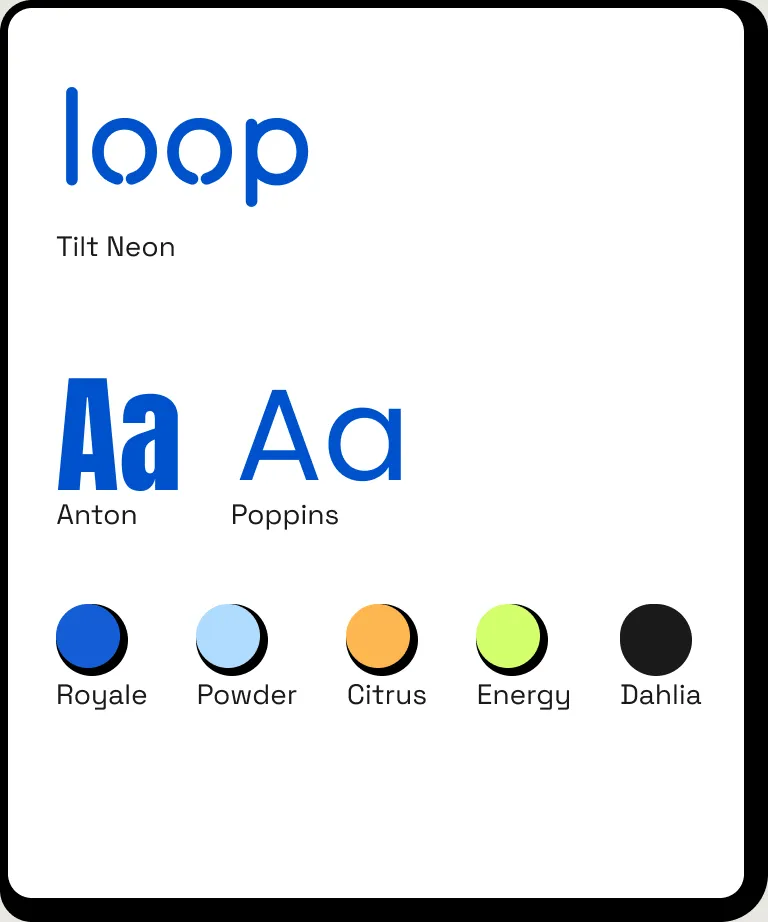
Brand assets from Loop’s style guide, by our brand lead.
Smaller fixes
Fixing the landing page’s CTAs
Header button: “Plan” was generic, so I changed it to “Try A Loop”, tying the action directly to renting a bike.
Before 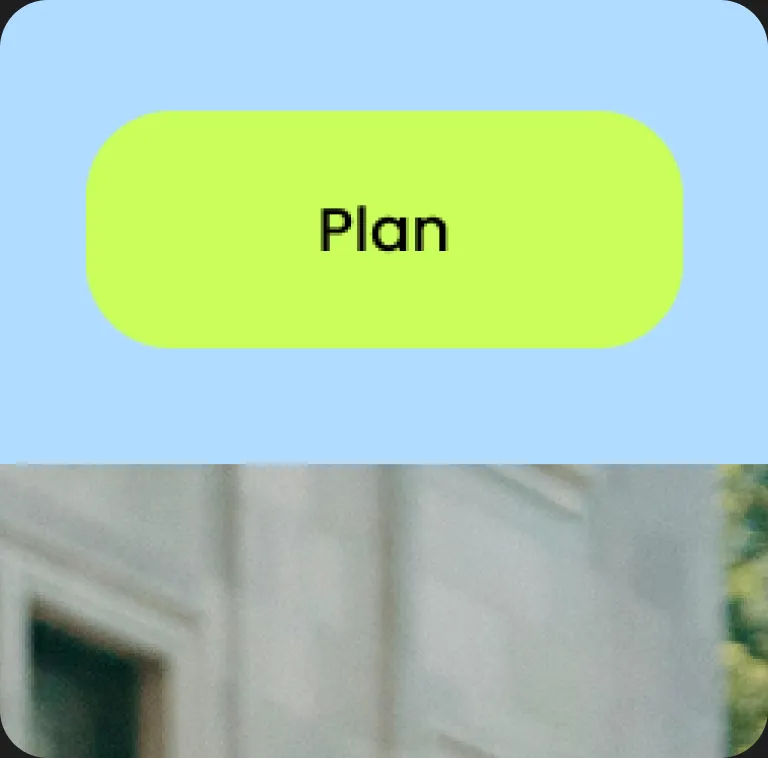
After 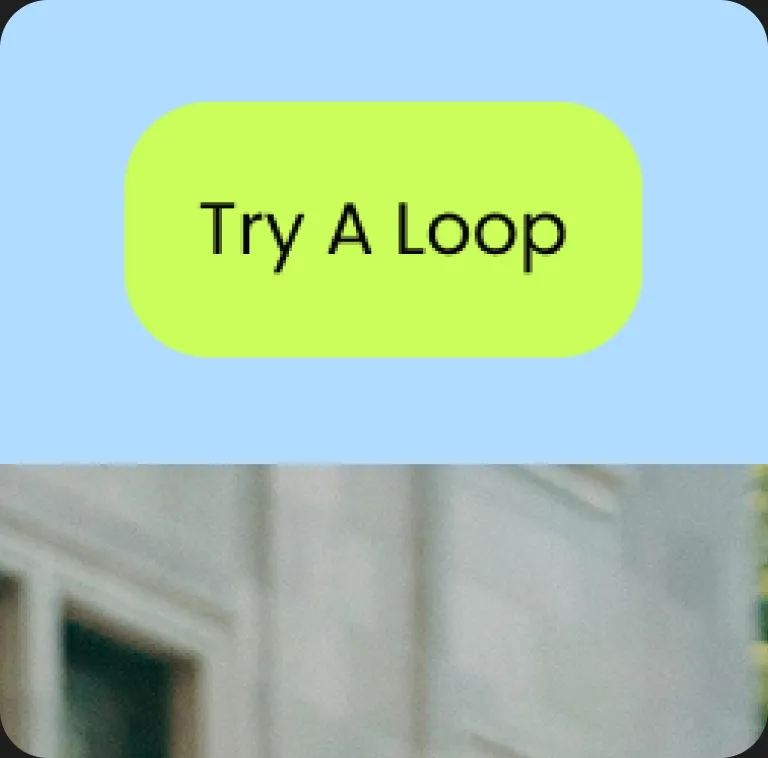
Hero buttons: two buttons, “Organizations” and “Employers”, asked visitors to choose before they understood the product. I replaced them with one “Get started” button, which is less confusing.
Before 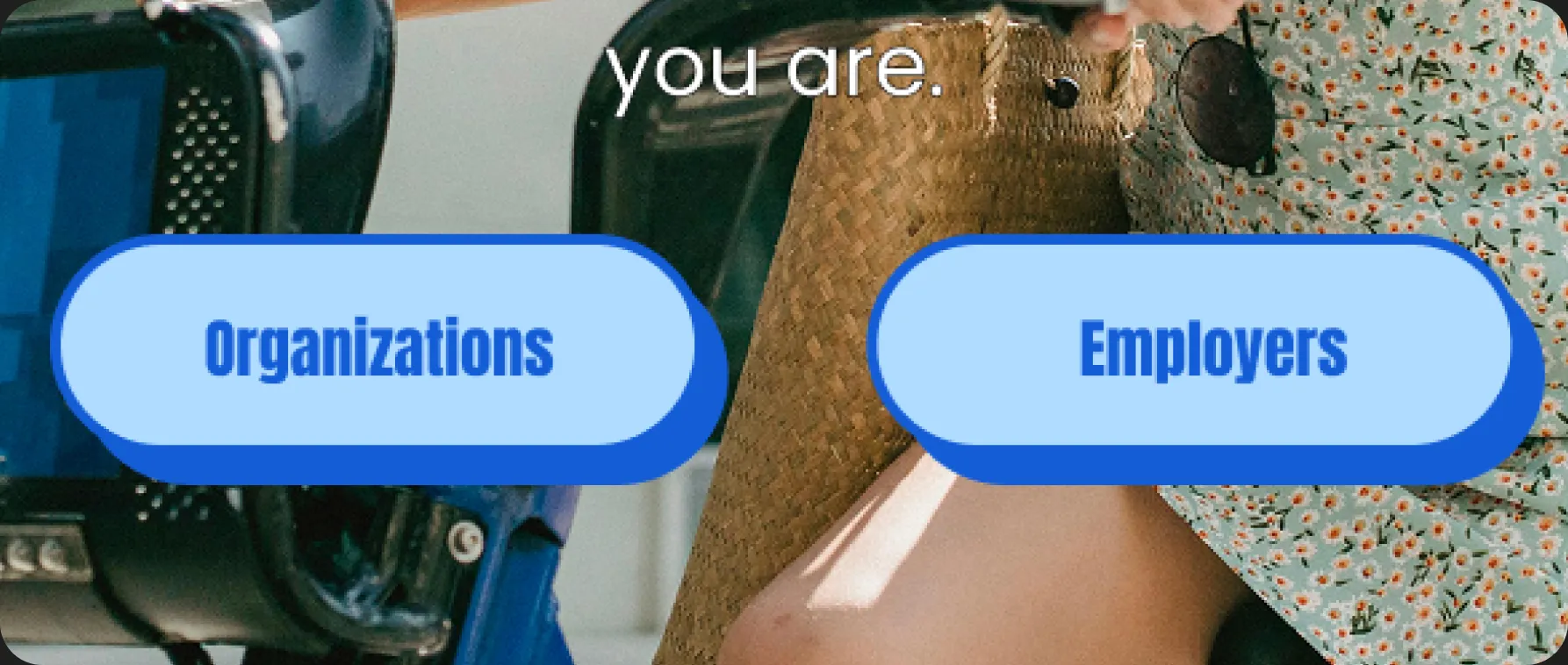
After 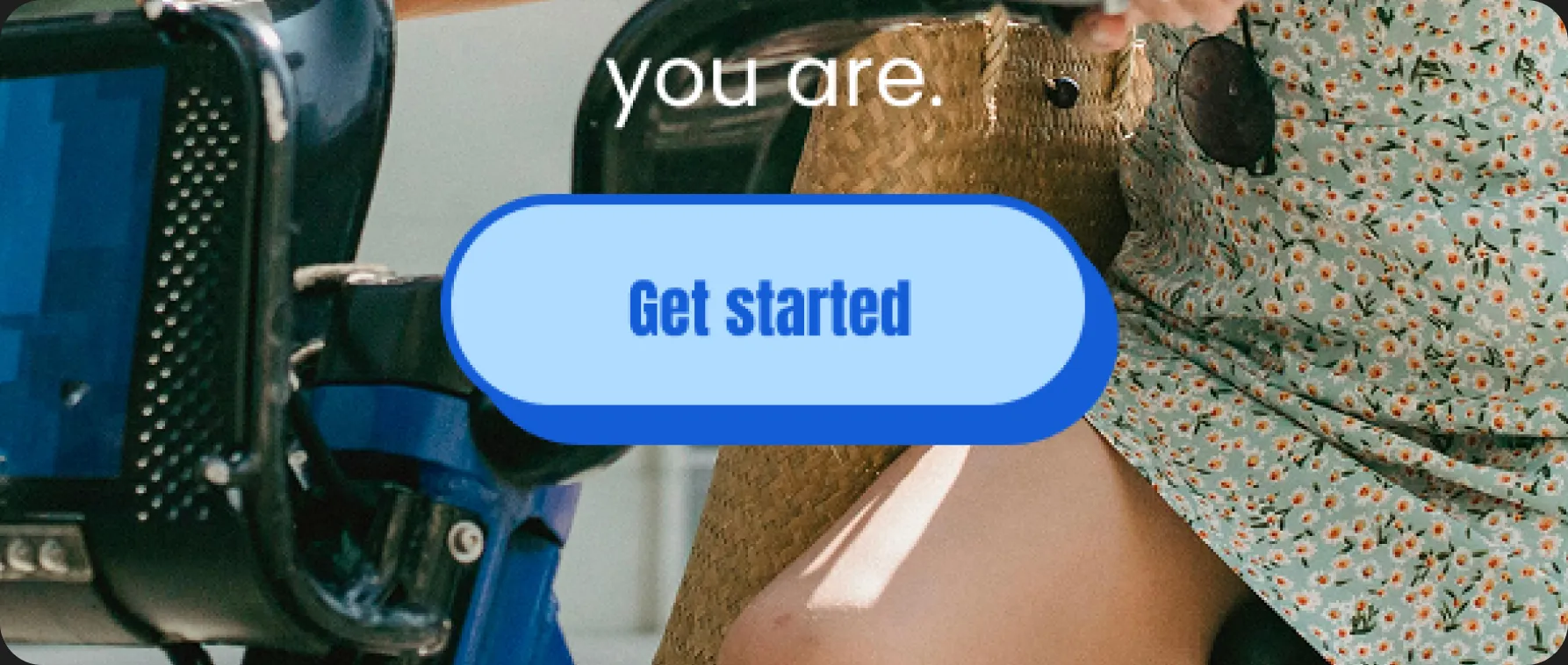
Design Decision
Rebuilding the B2B onboarding flow
What I tried
No progress indicators, too many options per screen, and no tie to Loop’s brand.
What I noticed
Competitors made renting a bike a long process. Loop’s goal was simpler: get a call booked.
The fix
Five numbered steps, one question each, with a progress bar and step counter. Loop’s brand is on every screen.
Use the left and right arrow keys to move between screens.
If I rebuilt it
What I’d do today
We built this in four weeks, and I’m happy with it for that window. Two things I’d do now:
Fix accessibility first. I’d run a contrast and text size pass: a visible “Close & save”, a progress bar you can actually see, and 16px minimum text.
Use AI to brief the call. I’d turn a company’s answers into a short summary for Loop’s team, so the call starts with specifics.
Concept for today
Their answers
- Company size
- 50-100
- Budget
- $10,000 - $20,000
- Subscription
- 2 years
- Bike type
- Electric
- Tier
- Tier 1
AI summary
A 50 to 100 person company wants electric bikes on a two-year subscription at Tier 1, with a $10,000 to $20,000 budget. They picked the basic tier, so ask what they need from maintenance and insurance.
AI suggestion
How many bikes do you want to start with, and where will riders use them?
Reflection
Looking back
- Scope: Loop was only looking at companies at first. We wanted to leave room for individual renters too, but time pushed us to design for companies only. I learned to scope around what I can actually ship in the time I have.
- Matching the flow to the brand: I restyled the onboarding flow to match Loop’s website: the wordmark in the header, mostly one question per screen, a progress bar, and cards with the brand’s offset shadows. Accessibility was a goal. When I audited the flow later, I found misses (see above).
The biggest thing I took from it: scope around what I can ship, and start from what the business actually wants.